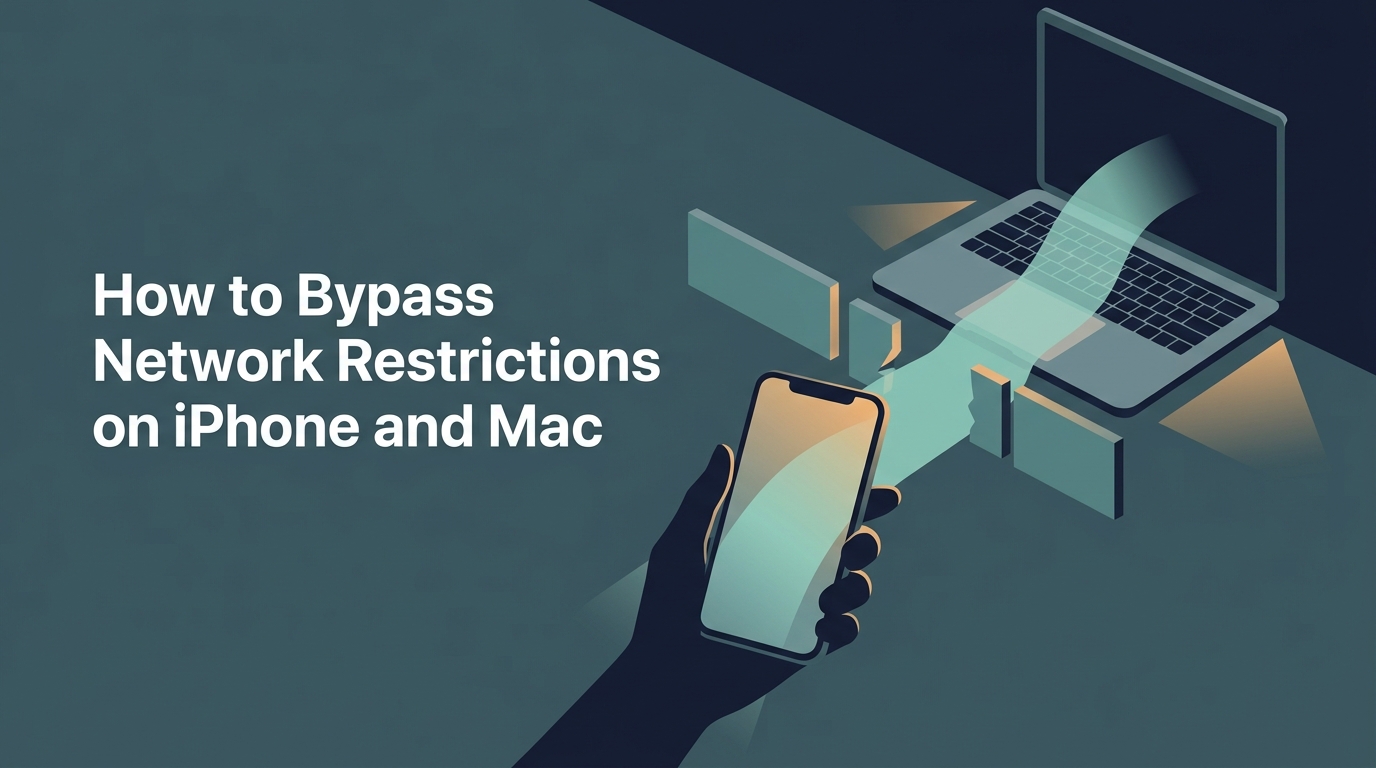
The Reality of Network Restrictions
It starts with a simple "Connection Timed Out" or a blunt "This site is blocked by your administrator." Whether you are trying to check your personal email at work, access research materials at school, or use social media in a country with strict internet censorship, network restrictions are a common hurdle for Apple users.
These blocks typically happen at the network level. The router or firewall is programmed to look for specific keywords or domains (like youtube.com or facebook.com) and drop the connection before it even leaves the building. On iPhone and Mac, these restrictions can feel especially intrusive because we rely on these devices for both productivity and personal freedom.
A Note on Policy
While bypassing restrictions is technically possible, always be aware of your organization's Acceptable Use Policy. Bypassing a school or work firewall may have disciplinary consequences if discovered. Use these tools responsibly and in compliance with your local guidelines.
Solution 1: The Power of Free VPN US
A Virtual Private Network (VPN) like Free VPN US is the gold standard for bypassing network restrictions. By using Free VPN US's military-grade encryption, you can bypass network firewalls on your Mac without your admin seeing your traffic. It creates an encrypted tunnel between your iPhone or Mac and a remote server. Because the tunnel is encrypted, the local network cannot see which websites you are visiting—it only sees that you are connected to a single encrypted IP address.
Why Free VPN US Works on Apple Devices
- End-to-End Encryption: Hides your data from local snooping and deep packet inspection (DPI) with military-grade encryption for public Wi-Fi.
- IP Masking: Makes it appear as though you are browsing from a different location entirely.
- One-Tap Connection for iOS: Get instant access to restricted content with Free VPN US — a zero-cost, automated alternative that works in one tap.
- System-Wide Protection: Unlike proxies, Free VPN US protects every app on your iPhone or Mac, not just the browser.
Common Limitations
Some highly restrictive networks use "VPN Blocking" by identifying and blacklisting known VPN server IP addresses. In these cases, you may need a VPN that offers obfuscated servers or "Stealth" modes.
Solution 2: Changing Your DNS Settings
Often, "blocked" sites are simply removed from the local network's phonebook. This is called DNS filtering. When you type a URL, the network's DNS server says "I don't know where that is," even though the site is perfectly fine. By switching to a public DNS provider, you can often hop right over these basic blocks.
Recommended Public DNS Providers
- Cloudflare: 1.1.1.1 (Focuses on speed and privacy)
- Google: 8.8.8.8 (Highly reliable and global)
- OpenDNS: 208.67.222.222 (Offers additional security features)
- Quad9: 9.9.9.9 (Blocks known malicious domains)
How to Change DNS on iPhone
Go to Settings > Wi-Fi, tap the 'i' next to your network, scroll down to 'Configure DNS', and switch from Automatic to Manual. Add the server addresses listed above.
Choosing the Right Method
| Method | Best For | Setup Effort |
|---|---|---|
| Free VPN US | Full privacy and bypassing tough firewalls | Low (One-click) |
| DNS Change | Bypassing basic school/library filters | Medium (Manual settings) |
| Private Browser | Quick access without system changes | Low (Download and use) |
| Tor Browser | High-level anonymity and censorship bypass | High (Slow speeds) |
Scenario-Based Guidance
Different environments require different tactics. Here is how to handle the most common restricted networks.
I'm at school and social media is blocked.
Start with a DNS change. School filters are often basic DNS blocks. If that fails, Free VPN US is the best secure free VPN for Mac and iOS to get around more advanced firewalls.
I'm at work and need to access personal tools.
Use a Private Browser with a built-in proxy. It's less conspicuous than installing a system-wide VPN and keeps your work traffic separate from your personal browsing.
I'm traveling and news sites are unavailable.
You need a secure free VPN for Mac and iOS with strong encryption and multiple server locations. This ensures you maintain access to information regardless of local network filters or firewalls.
The Wi-Fi blocks everything, including VPNs.
Switch to mobile data (Hotspot). If you have a decent data plan, using your iPhone as a hotspot for your Mac is the most reliable way to avoid any local network restrictions entirely.
Pro Tip: Always Test Offline
Download your VPN app or private browser before you enter a restricted network. Often, the very sites you need to download these tools are the first ones blocked by the firewall.
How to Bypass Restrictions: Step-by-Step
- Download Free VPN US: Before arriving at school or work, install Free VPN US from the App Store. It is the zero-cost, automated alternative to manual proxy configurations.
- Enable the Connection: Open the app and connect to a server in a region with no restrictions (like the US or UK).
- Verify Your Access: Try visiting the blocked site. Free VPN US uses military-grade encryption for public Wi-Fi to bypass school/work firewalls on iPhone and keep your session secure.
- Clear Your Cache: If the site still shows as blocked, clear your browser cache or use an Incognito/Private window to ensure no old data is interfering.
By following these steps, you can ensure that your iPhone and Mac remain the versatile, open tools they were meant to be, regardless of where you are connected.
Frequently Asked Questions
Why are certain websites blocked on my work or school network?
Networks often block sites to preserve bandwidth, maintain focus, or comply with local policies using DNS filtering or deep packet inspection.
Is it legal to bypass network restrictions on iPhone?
Bypassing a firewall usually isn't illegal, but it may violate your organization's Terms of Service or Acceptable Use Policy. Using Free VPN US to bypass school/work firewall on iPhone should be done in compliance with your local guidelines.
Can Free VPN US bypass firewall blocks on Mac?
Yes, Free VPN US provides military-grade encryption for public Wi-Fi and routes your traffic through a remote server, making it invisible to the local firewall and allowing you to unblock restricted websites on Apple devices.
Will bypassing restrictions slow down my connection?
Encryption can add a small amount of overhead, but Free VPN US uses modern protocols like WireGuard to ensure you can unblock restricted websites on Apple devices with negligible speed impact.
Still curious?
Bypassing restrictions is just the beginning. Learn more about digital privacy and Apple security.
Related Content
Ready to browse without limits?
Get Free VPN US for your iPhone or Mac and bypass restrictions in one tap. High-speed, secure, and built for Apple users.
- Global Server Access
- No-Logs Policy
- One-Tap Connect